Introduction
Apple’s iPhone is celebrated for its innovative technology and stylish design, but a common question persists: do iPhones come with SIM cards? Knowing how iPhones and SIM cards interact is crucial for making informed decisions about phone connectivity. This guide explores iPhone SIM card compatibility with current models, eSIM technology, SIM management, and future trends.
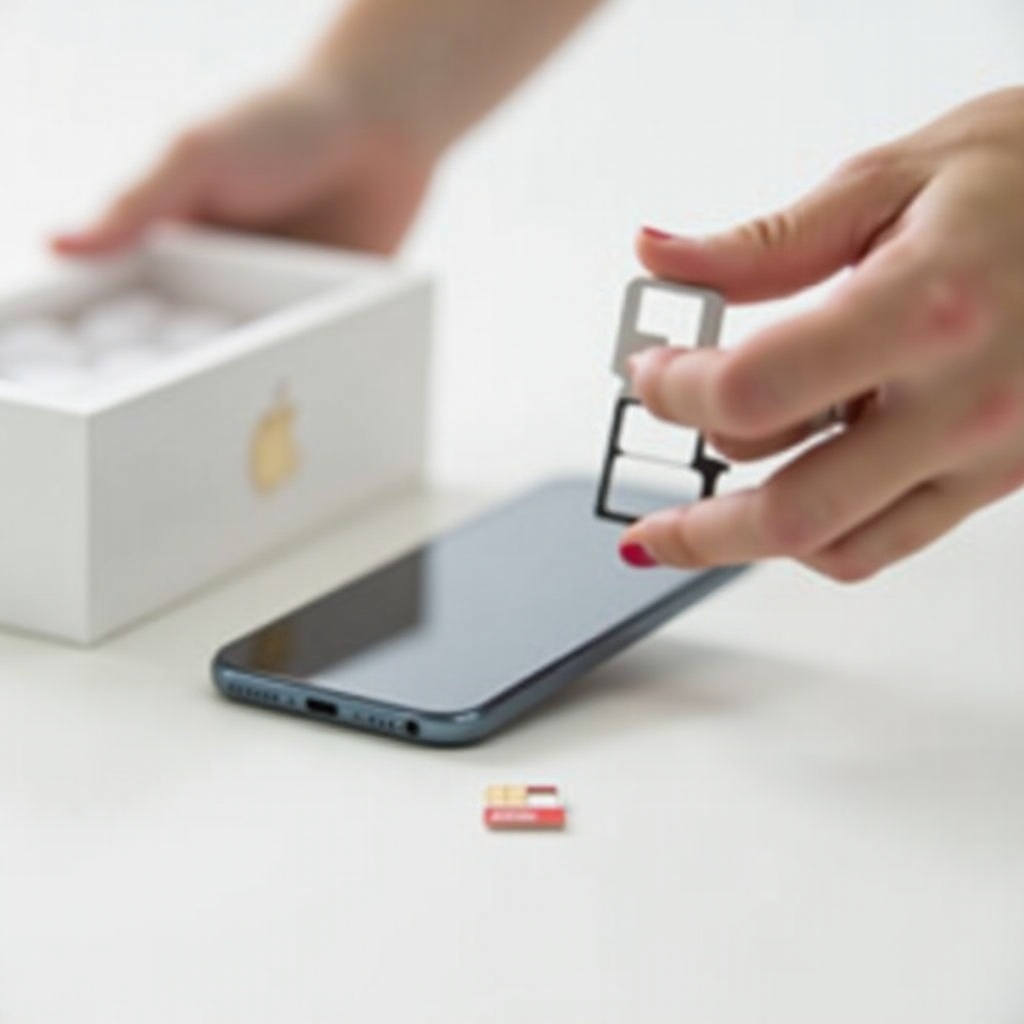
What is a SIM Card?
The SIM card, or Subscriber Identity Module, is a small, vital chip in mobile phones that stores your phone number and encryption keys, enabling connectivity to mobile networks. It plays a crucial role in accessing cellular services, allowing for calls, texts, and data usage.
There are three main types of SIM cards: Mini, Micro, and Nano SIM, with Nano SIM being the most common in recent iPhones. Additionally, eSIM technology is on the rise, allowing connections without physical cards and offering greater flexibility.
iPhone Models and SIM Card Compatibility
Understanding SIM compatibility across iPhone models helps users choose the right device for their needs.
- SIM Cards in Current iPhone Models (2024)
Most current iPhones, including the iPhone 15 series, have Nano SIM slots. However, some models, particularly in markets like the U.S., are shifting towards complete eSIM functionality, reflecting evolving technology preferences.
- eSIM Technology in iPhones
eSIMs are embedded in the device, offering versatility by supporting multiple network profiles. This feature is particularly beneficial for those who frequently travel, as it simplifies carrier changes and enhances overall user experience.
Unboxing an iPhone: What to Expect
The experience of unboxing an iPhone can vary depending on the purchase location. Generally, iPhones bought from carriers come with a SIM card and are often network-locked. In contrast, unlocked iPhones purchased directly from Apple or authorized retailers require a separate SIM acquisition, either a physical or eSIM, from your preferred carrier.
eSIM vs. Physical SIM: Understanding the Difference
Deciding between an eSIM or a physical SIM affects how you manage connectivity.
- Benefits of eSIM
eSIMs offer several benefits:
1. Convenience of switching networks without physical cards.
2. Space-saving design for more compact phones.
3. Ability to store multiple network profiles.
- Benefits of Physical SIM
Physical SIMs remain popular due to widespread compatibility and ease of use:
1. Easy transfer between devices.
2. Simplicity of physical swapping.
How to Insert and Remove a SIM Card in Your iPhone
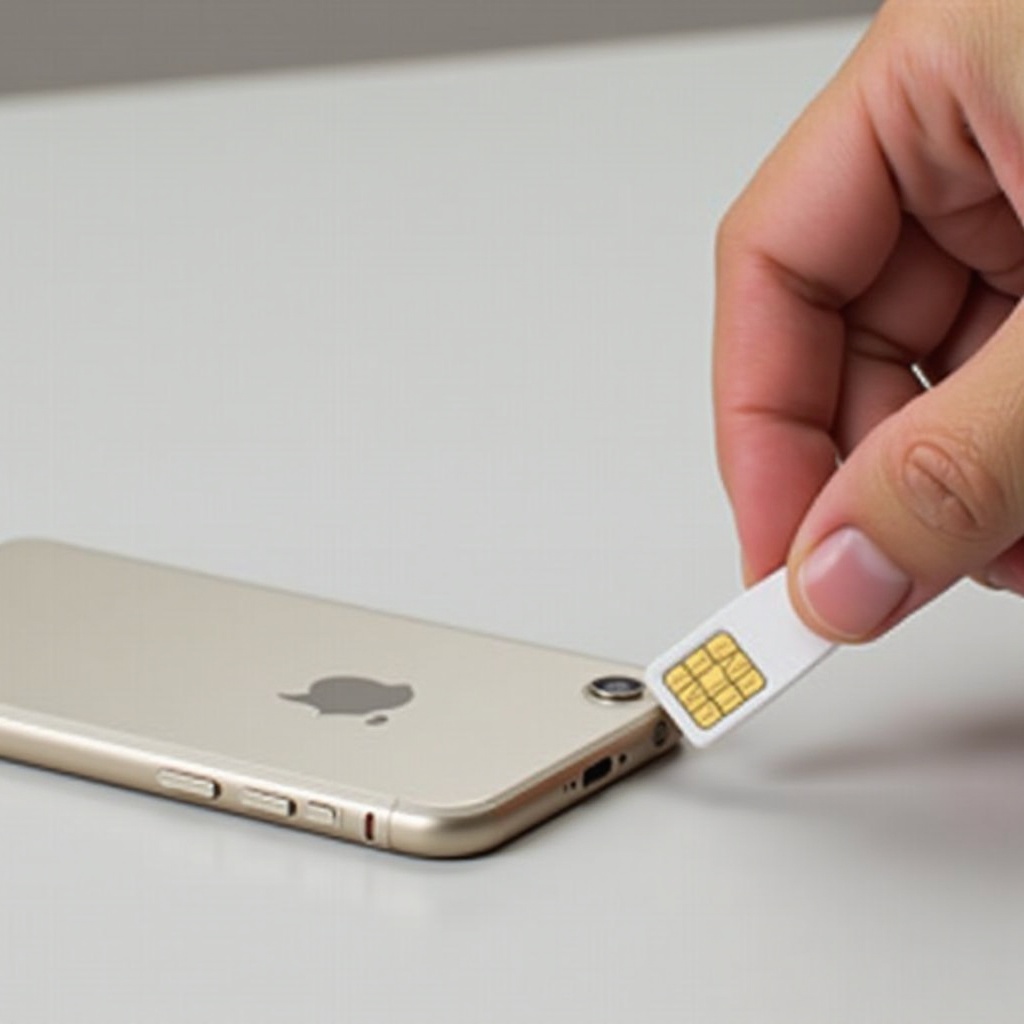
Proper SIM card management is key to maintaining network connectivity. Follow these steps to insert and remove a SIM card:
- Inserting a SIM Card
- Locate the SIM tray on your iPhone’s side.
- Use the SIM ejector tool to press into the tray’s small hole.
-
Place the Nano SIM card on the tray and reinsert it into the phone.
-
Removing a SIM Card
- Use the SIM ejector tool again to push the tray out.
- Gently remove the SIM card and secure the tray back into the iPhone.
Troubleshooting SIM Card Issues in iPhones
If you encounter SIM-related issues, here’s how to address them:
- Common Problems and Quick Fixes
- Problem: ‘No SIM’ or ‘Invalid SIM’ error.
-
Fix: Restart the iPhone, reseat the SIM, or update iOS.
-
Problem: Network issues.
-
Fix: Carrier settings update or network settings reset.
-
When to Contact Support
Persistent issues may require contacting either your carrier or Apple Support for further guidance and solutions.
The Future of SIM Cards in iPhones
eSIM technology is rapidly advancing, possibly rendering physical SIMs obsolete. Apple continues to innovate, encouraging eSIM adoption for more practical and convenient connectivity solutions globally.
– Trends and Predictions for 2024 and Beyond
The industry is leaning towards exclusive eSIM use, potentially improving phone design and user experience. This shift promises more seamless global connectivity and resource-efficient manufacturing.
Conclusion
Understanding whether iPhones come with SIM cards, their types, and management strategies is essential for maximizing device functionality. Staying informed about evolving technologies like eSIM ensures that users can fully leverage the connectivity options their iPhones offer.
Frequently Asked Questions
What should I do if my iPhone doesn’t come with a SIM card?
Purchase a SIM card from your carrier or activate an eSIM if supported by your iPhone.
Can I use my old SIM card in a new iPhone?
Yes, if the SIM card is compatible in size and the carrier is supported by your new iPhone.
How do I switch from a physical SIM to an eSIM on my iPhone?
Contact your carrier for an eSIM activation QR code or app and follow instructions to activate it on your iPhone.