Introduction
Unleashing the full potential of your Mac Mini starts with selecting the perfect display. A TV can provide a stunning, expansive viewing experience whether you’re diving into work tasks or indulging in entertainment. This guide will navigate you through the benefits of choosing a TV for your Mac Mini and delve into the key features that make a difference.
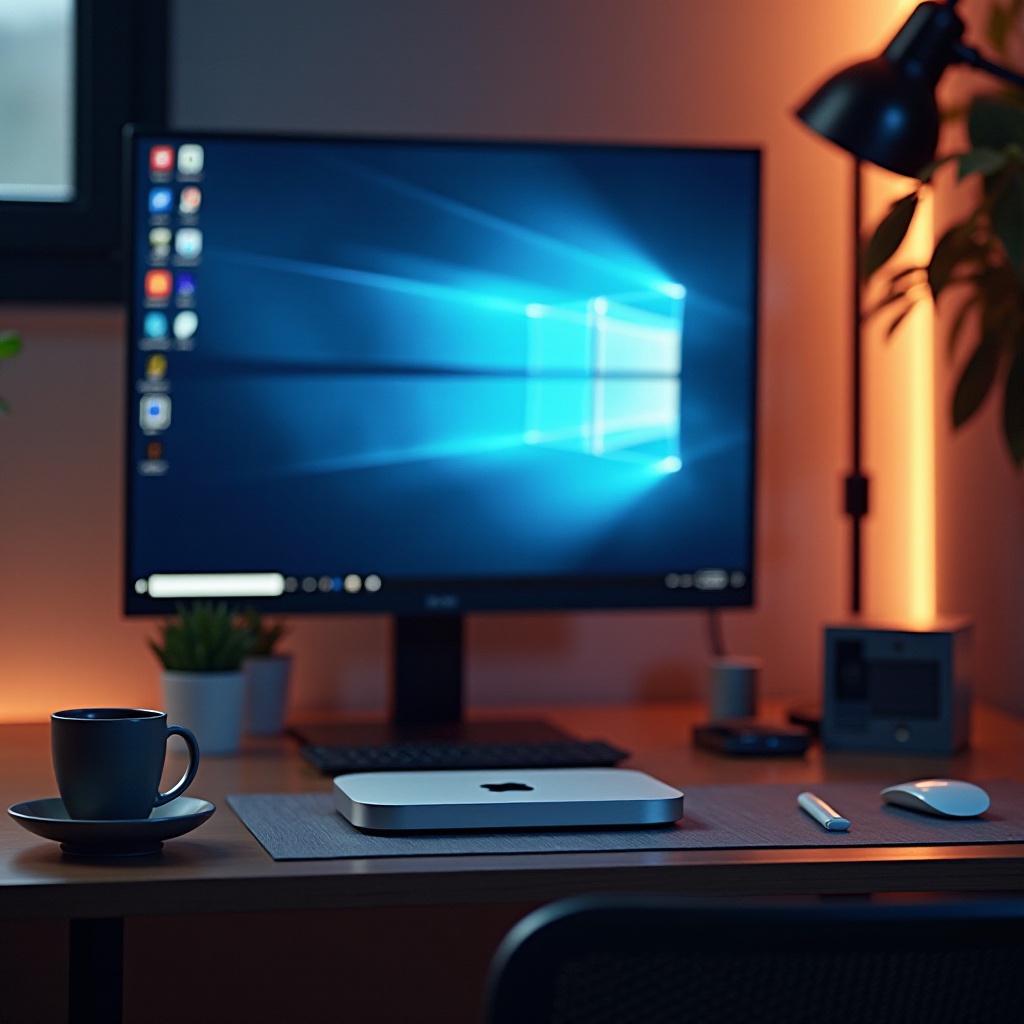
Why Choose a TV over a Monitor for Your Mac Mini?
A TV offers unparalleled screen size and diversity in usage, perfectly suited for both professional and casual settings. Unlike standard monitors, modern TVs boast exceptional color fidelity, dynamic contrast ratios, and broader view pans, elevating your browsing, gaming, and creative workflows. With the affordability of advanced TV technologies, they present a compelling monitor alternative. This dual-functional potential maximizes both productivity and leisure, efficiently accommodating diverse user needs.
Key Features to Look for in a TV for Mac Mini
Before you dive into purchasing, identifying crucial features ensures you make a sound investment:
-
HDMI Compatibility: Essential for a seamless connection, multiple HDMI ports facilitate easy swapping between devices such as consoles or Blu-ray players.
-
Resolution and Display Quality (4K, HDR): Opt for 4K or HDR television to experience stunning visuals, necessary for graphic design or detail-critical tasks.
-
Refresh Rate: Vital for smooth rendering, a rate of at least 60Hz reduces motion blur and eye fatigue during long editing or gaming sessions.
-
Input Lag and Response Time: A lower input lag (<20ms) ensures quicker on-screen reactions, benefiting fast-paced games and video editing.
-
Audio Compatibility and Quality: TV’s with quality built-in audio or compatible with external sound systems improve the immersive experience.
Understanding these features allows you to craft an optimal setup around your Mac Mini’s capabilities. Let’s now examine the top TV models of 2024 that complement this setup.
Top Picks for the Best TVs for Mac Mini in 2024
Here we explore the best models that blend seamlessly with the Mac Mini:
-
Samsung QN90A Neo QLED TV: With an unrivaled mini-LED backlight, this TV provides intense brightness and contrast, perfect for glare reduction and depth in visuals. Coupled with multiple HDMI 2.1 ports, it provides simultaneous connectivity options alongside AI-enhanced image scaling for superior detail.
-
LG OLED C1 Series: Renowned for displaying absolute blacks and incredible contrast, it’s a powerhouse for anyone working with visual heavy applications. Its sleek design coupled with low input lag makes it an excellent choice for competitive gaming or high-definition video viewing.
-
Sony Bravia XR A80J OLED: Revolutionizes the viewing experience with its Cognitive Processor XR delivering lifelike image accuracy and coupled with Acoustic Surface Audio+ technology for a sound that complements the display.
-
TCL 6-Series 4K QLED TV: An excellent budget-friendly choice featuring QLED technology for vibrant colors, its Game Mode optimizes settings for lag-free gameplay and detailed image quality.
These options cater to varied user needs, from high-fidelity visuals for design professionals to intense gaming environments.
Setting Up Your Mac Mini with a TV
Here’s how to seamlessly integrate a TV into your Mac Mini setup:
-
Connecting and Configuring: Utilize a high-speed HDMI cable to link your Mac Mini to the TV, ensuring the TV’s input is set to the corresponding HDMI slot.
-
Optimizing Display Settings: Choose ‘Best Resolution’ in your Mac display settings panel to match the TV’s native resolution. Enable HDR if available for enhanced visuals.
-
Optimizing Display Settings:
- Enable HDR if your TV supports it for vibrant visuals.
- Calibrate the color settings for a more personalized viewing experience.
A well-set configuration ensures a smooth user experience with crisp visuals and synchronized audio, ready for an all-encompassing adventure.
Alternatives and Considerations
While TVs offer many advantages, there are other alternatives worth considering:
-
Using a Dedicated Monitor: For those seeking higher pixel density and color accuracy for graphic-intensive tasks, a high-end monitor is ideal. Monitors generally offer better ergonomics and variable refresh rates.
-
Additional Accessories: Enhance productivity and comfort with add-ons like high-quality webcams, ergonomic stands, and soundbars, regardless of the display choice.
Ultimately, your choice between a TV and monitor will depend on your specific needs and how you plan on using your Mac Mini daily.
Conclusion
Pairing the right TV with your Mac Mini could significantly amplify your overall computing and media experience. The decision should center around your unique demands and how you envision utilizing your Mac environment. Whether for work, gaming, or streaming, the right display can make your interaction seamless and immersive.
Frequently Asked Questions
Can any TV be used with a Mac Mini?
Most modern TVs with HDMI ports are compatible. However, prioritize TVs that meet your display and performance needs for optimal use.
What is the ideal screen size for productivity and entertainment?
The ideal size depends on the viewing distance and space. Typically, a 40-55 inch range offers a balance for both desktop use and immersive viewing.
How can I enhance the audio experience for my Mac Mini setup?
Consider using external sound systems or soundbars connected via Bluetooth, HDMI ARC, or optical audio for superior sound quality.